NATHANIAL BENTON

Hi, I’m Nate.

I’m a Senior Software Engineer at Osso VR and a game developer. I started programming games at twelve, nearly 25 years ago, and I’m still at it.

Browse my projects
Portrait of Nathanial Benton

About me

When I was four, I watched my mother play The Legend of Zelda: A Link to the Past. I was amazed that people had created its world, and that made me want to become a game developer. By twelve, I was teaching myself to program games.

These days I’m a Senior Software Engineer at Osso VR. My background is in Unity, VR, gameplay systems, and custom tools.

Outside of work, I develop ChroMagic firmware for the ModRetro Chromatic and custom FPGA firmware and hardware for the M64. I also created ShinyBreeder, a 24/7 Twitch channel where a robot I built shiny hunted Pokémon. I enjoy making custom tools that improve workflows and components designers can reuse.

Projects

Personal games, tools, and experiments from over the years.

FULL GAME EXPERIENCE

Hypermnesia

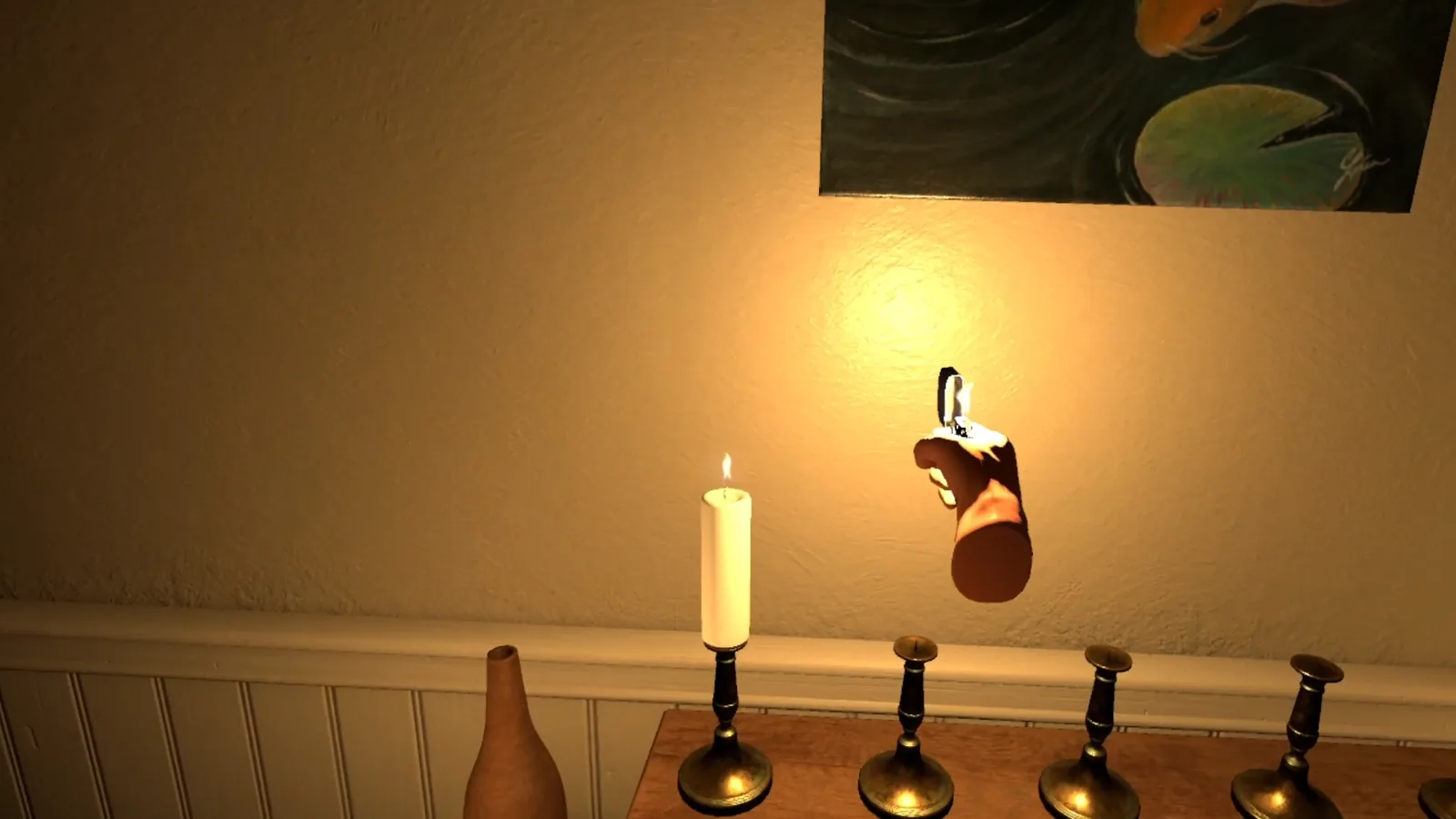
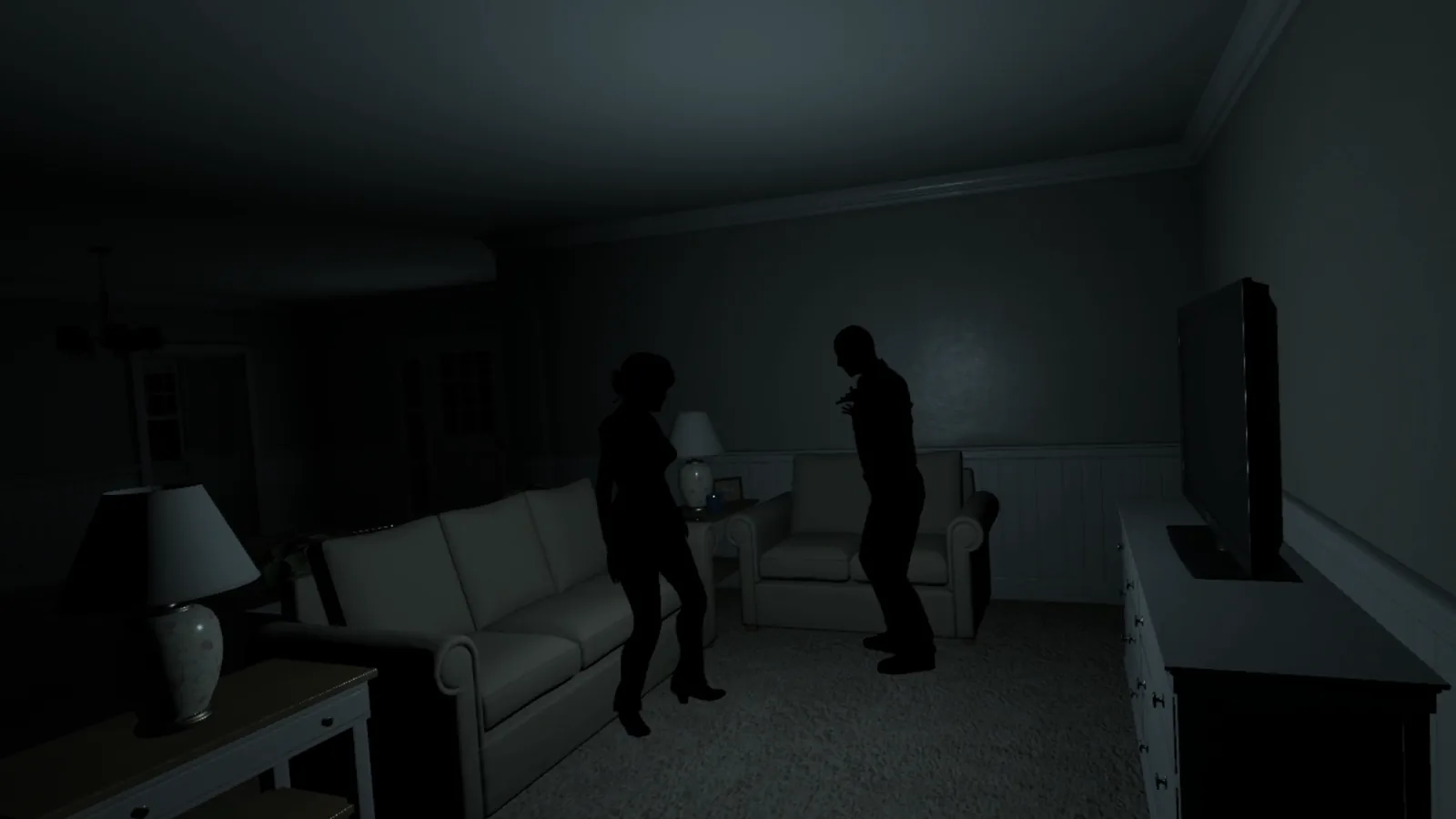
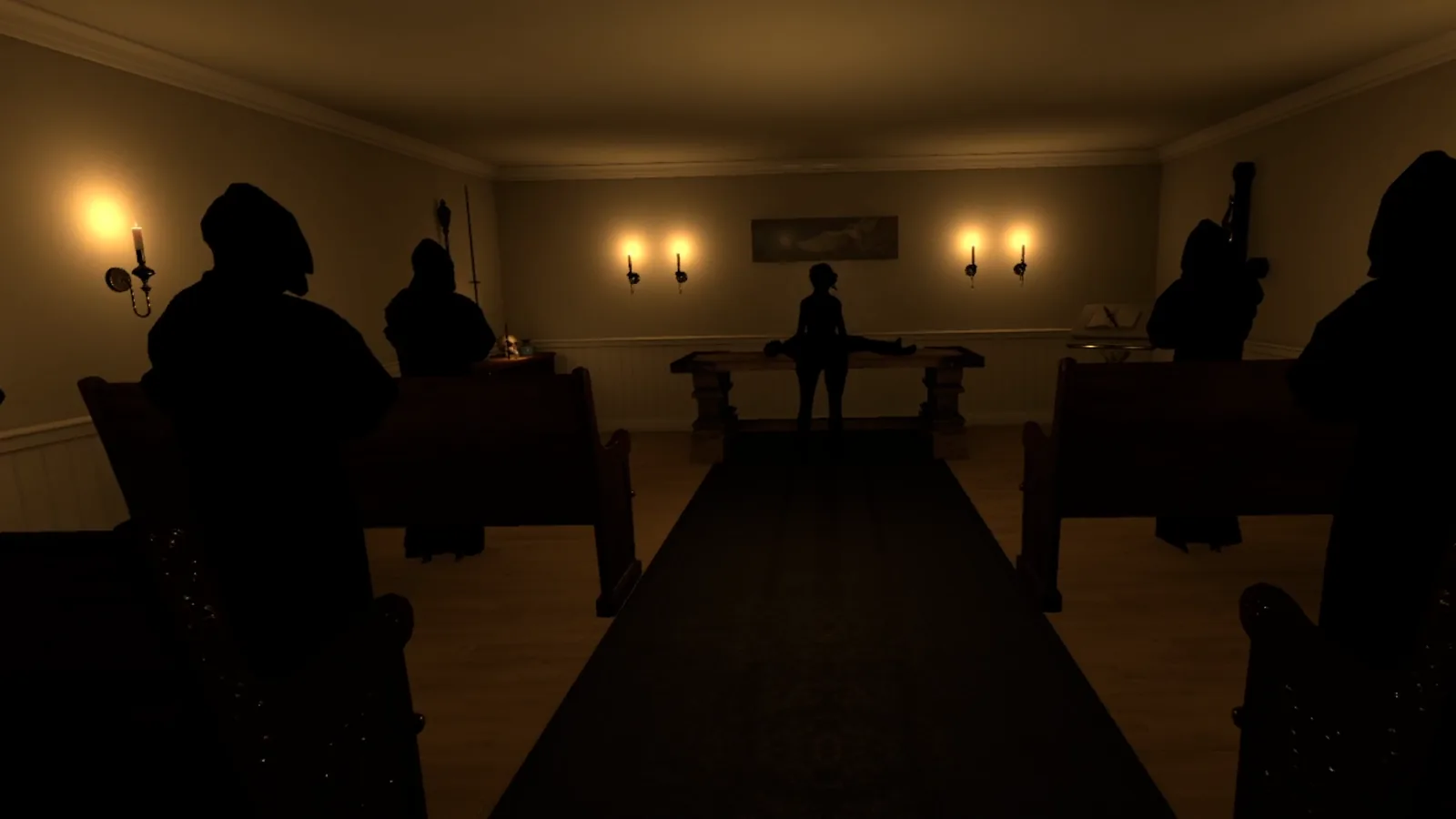
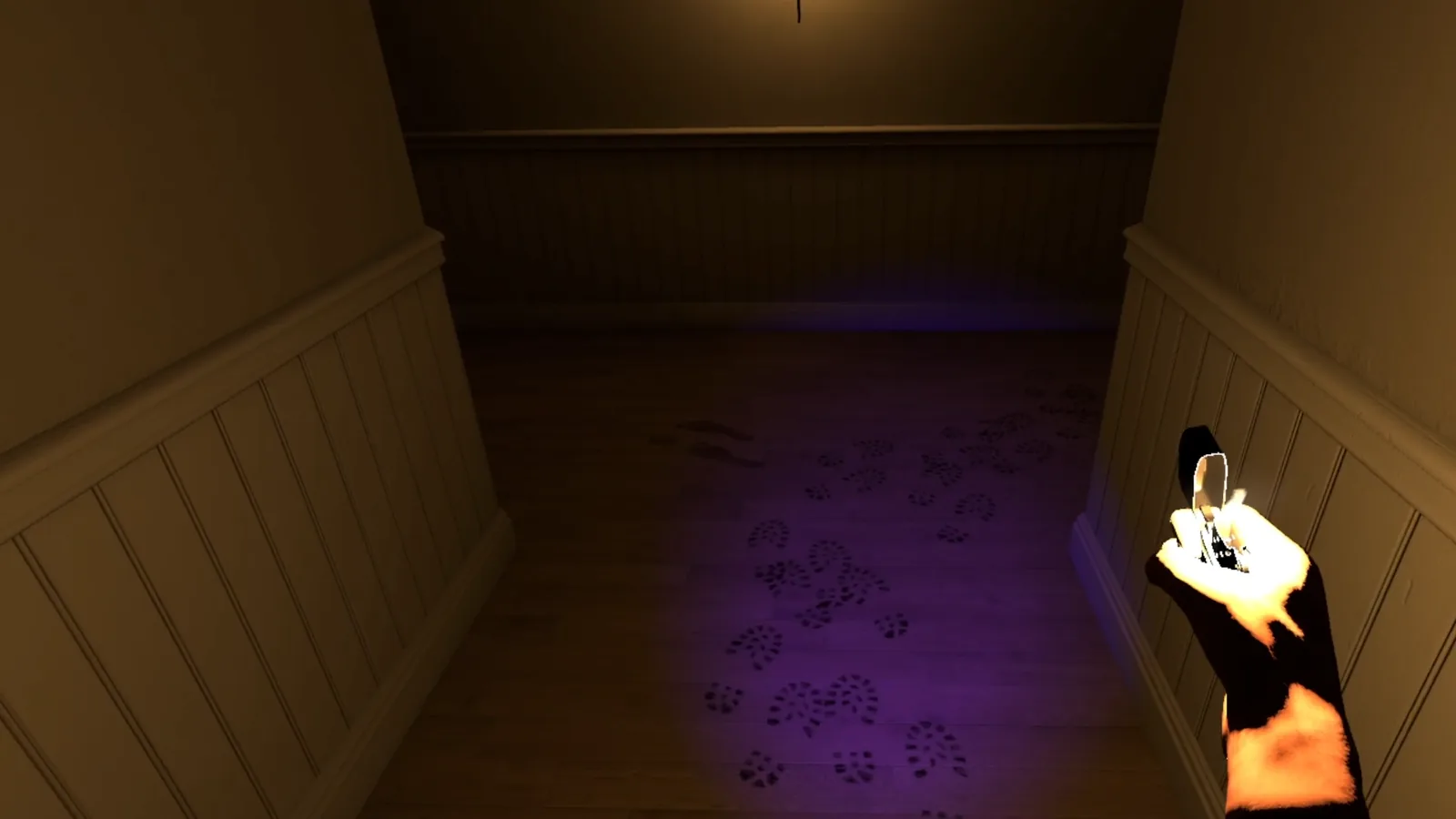
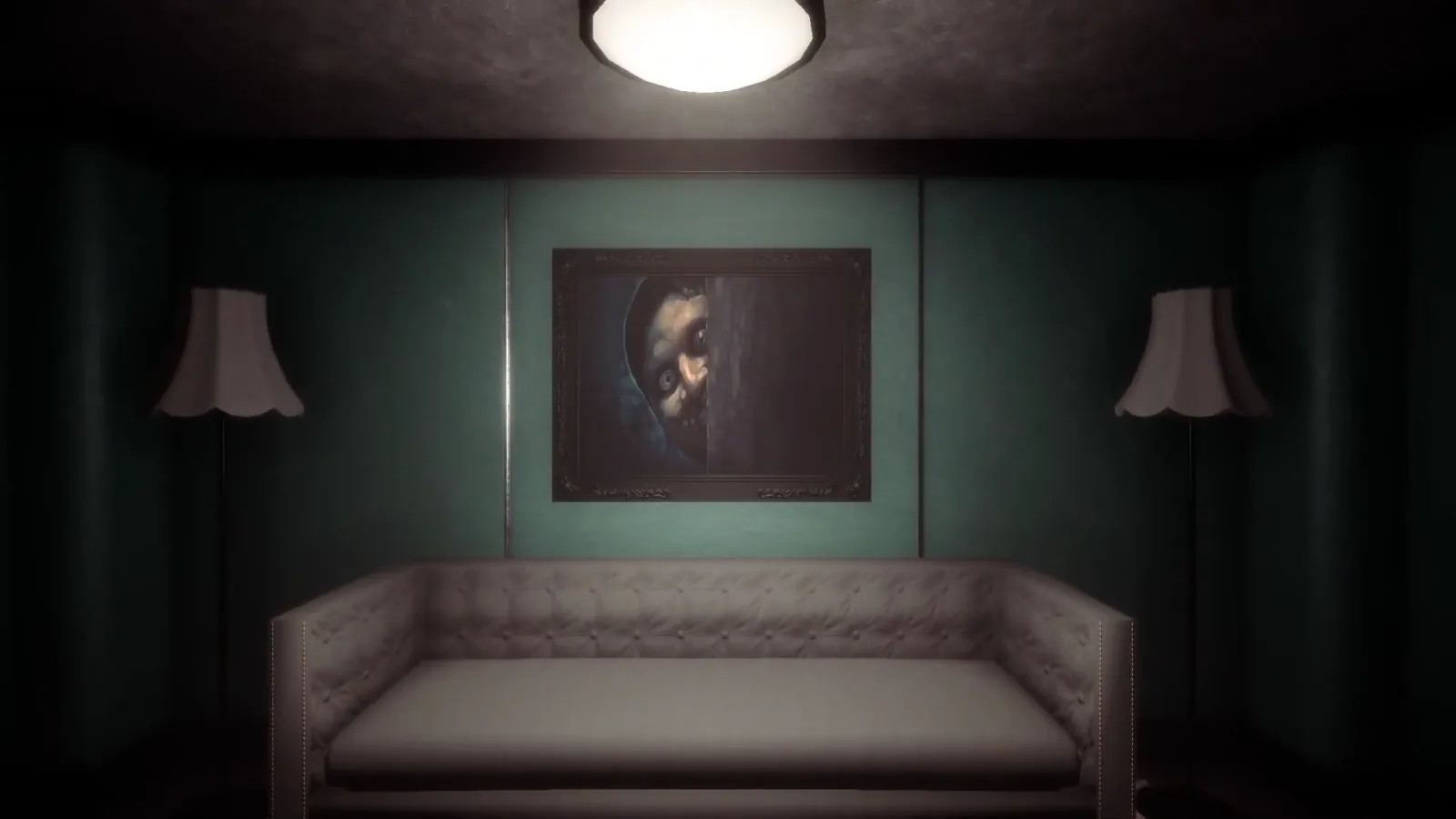
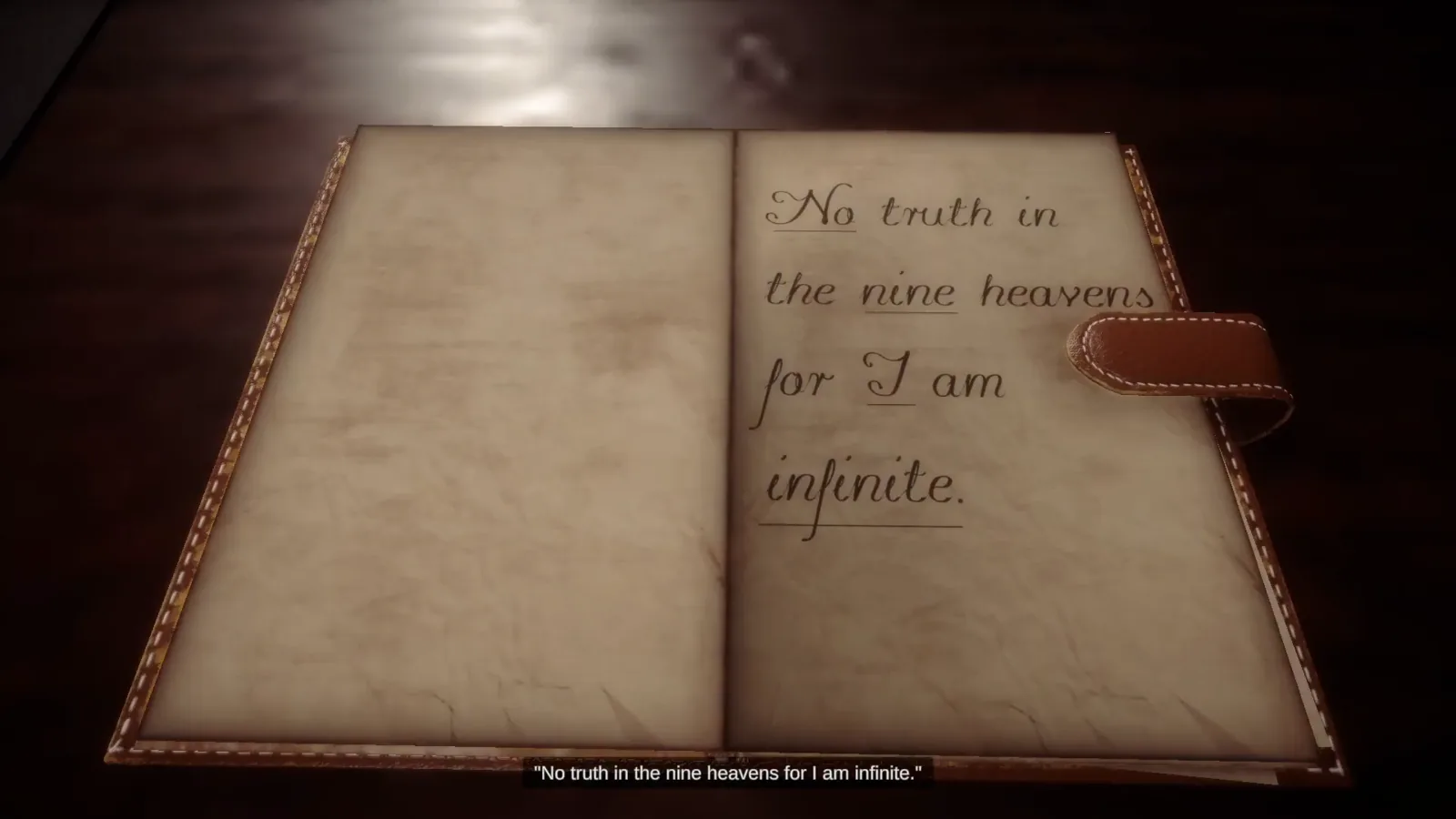
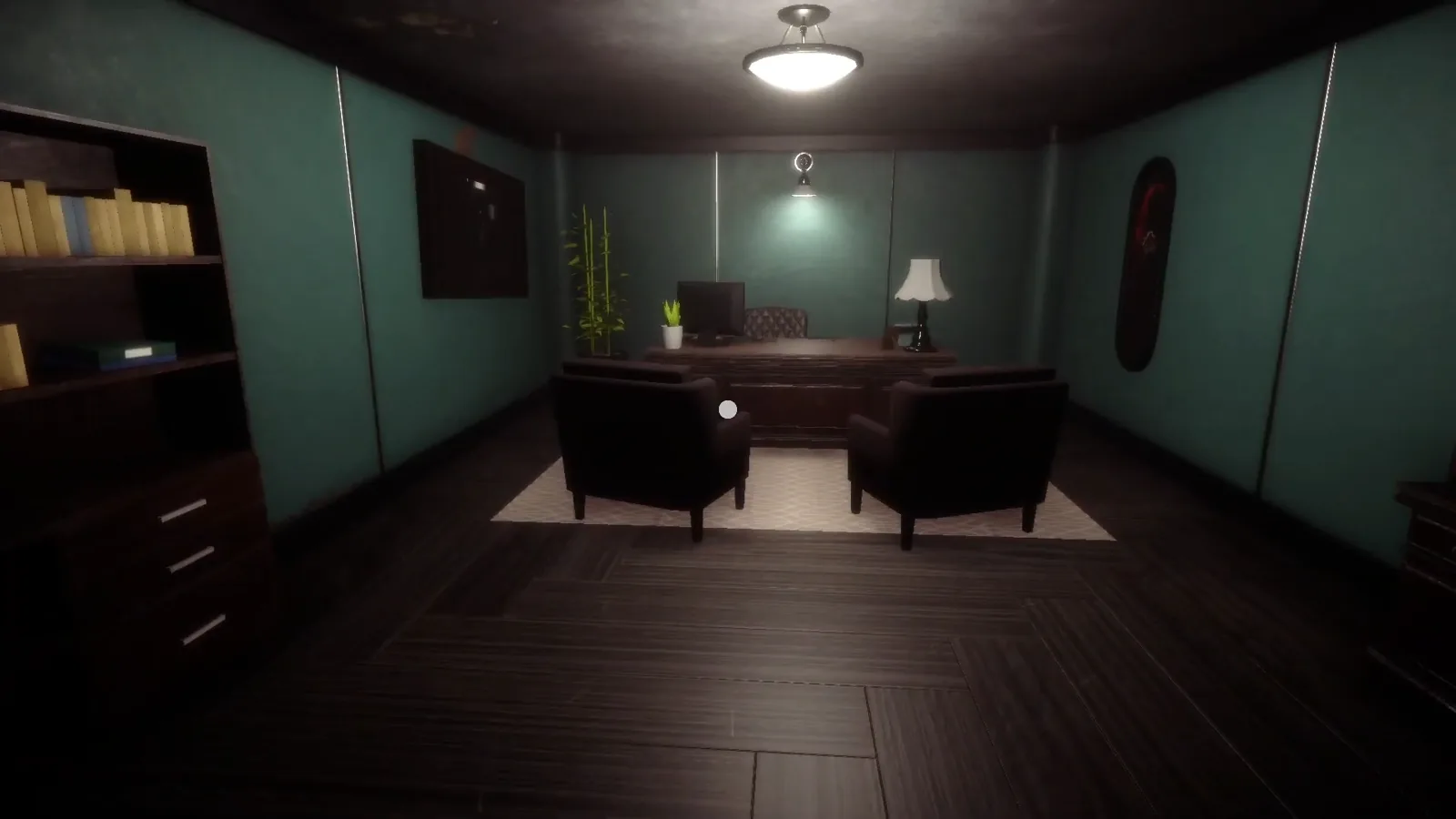
Hypermnesia is a VR horror experience with emphasis on sound design, lighting, and tension buildup. Originally the project was intended to be a full commercial title. As a result, it’s the most comprehensive project in my portfolio.

The project uses commercial assets, so the code is private and available on request.

Highlights

  • A complete story with character animations and voice acting.
  • Original soundtrack by Visage’s Peter Wicher.
  • Custom hand poses for interactable objects.
  • Backpack inventory system.
  • Event driven systems designed for flexibility.
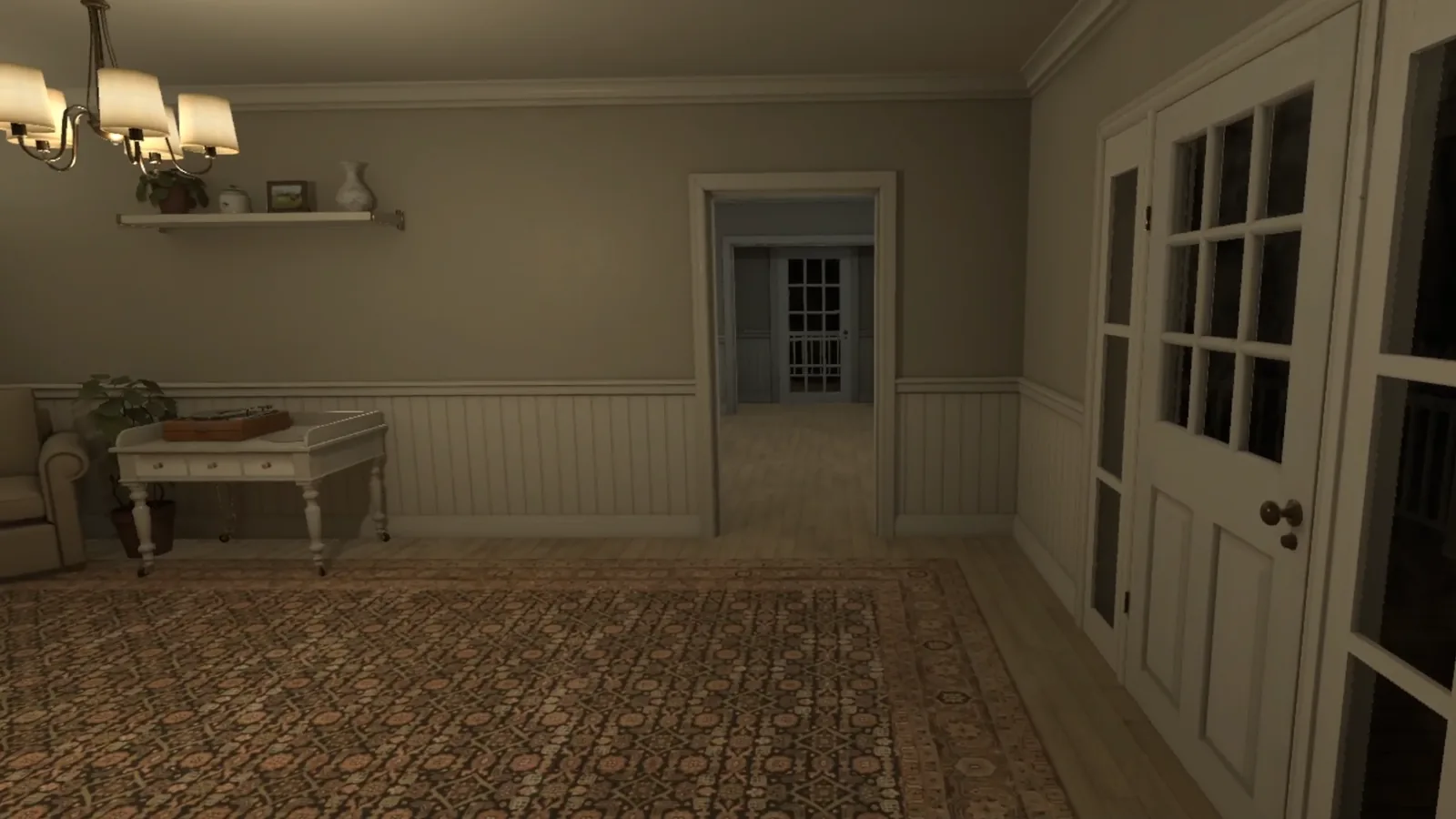
Screenshots

Hypermnesia: softly lit room inside a VR horror game

Video playthrough

Open on YouTube ↗

Custom firmware and desktop app

ChroMagic

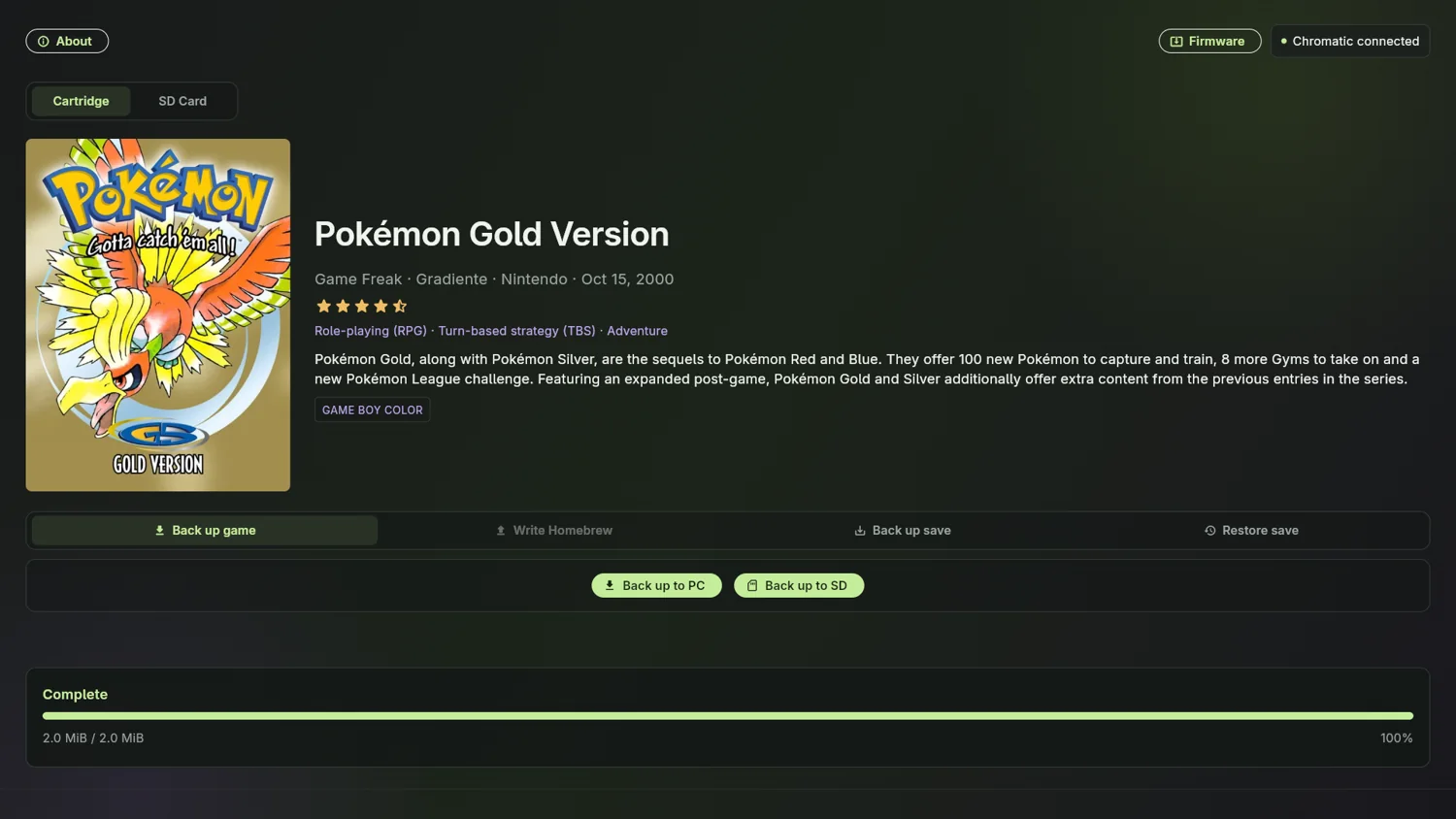
Custom firmware for the ModRetro Chromatic, with on-device cartridge backups and SD card playback. ChroMagician, the companion desktop app, handles backups, save restores, and firmware installation over USB.

ChroMagic adds cartridge backup and SD playback to the Chromatic. The desktop app, ChroMagician, can back up games and saves to a PC or the handheld’s SD card, restore saves to cartridges, and install firmware.

I am now rewriting the firmware from the ground up as ChroMagic 2.

The project is independent and open source. The guide covers installation and current compatibility.

ChroMagician desktop app showing a completed cartridge backup

FPGA / embedded software · In development

M64 firmware

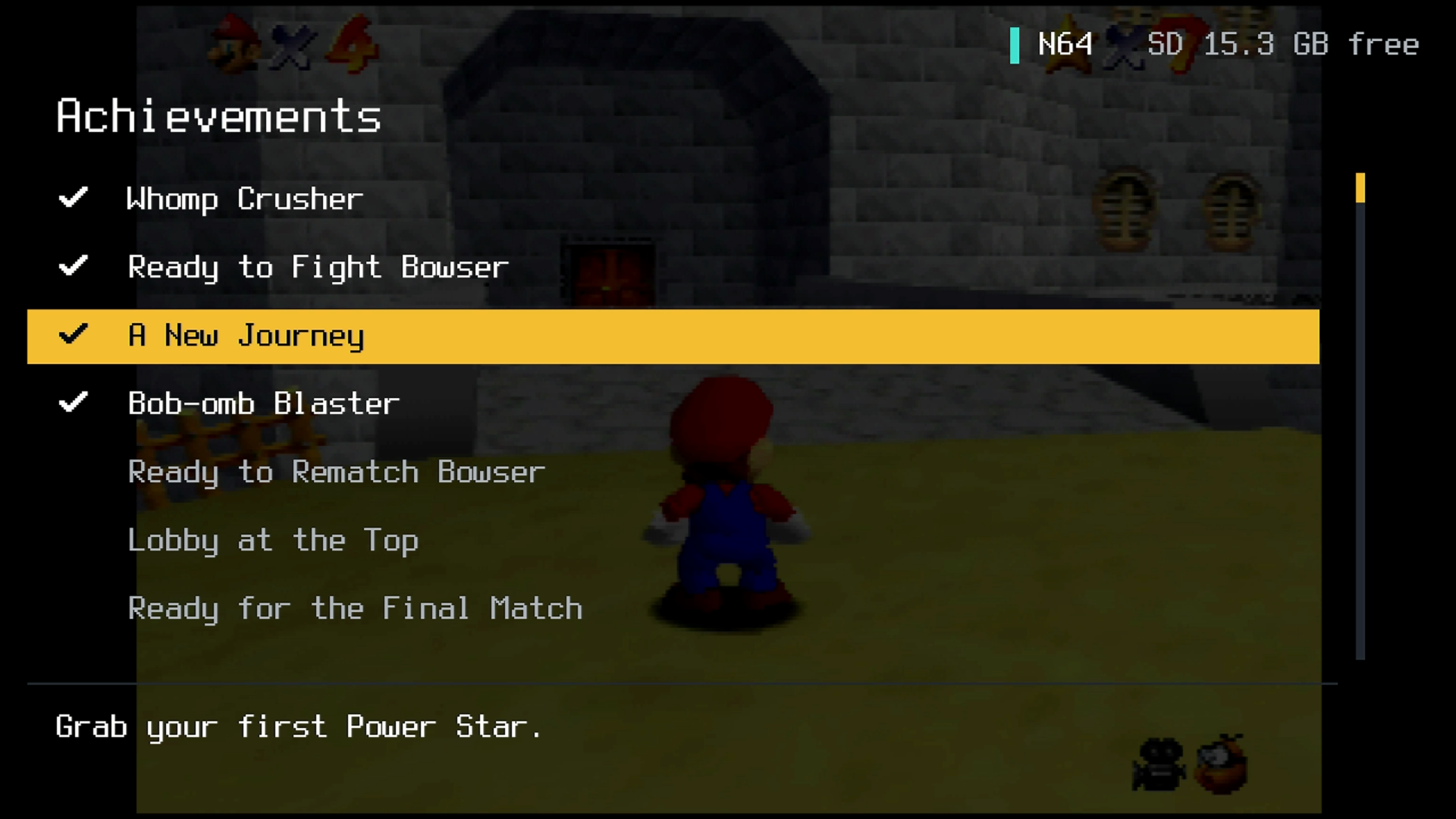
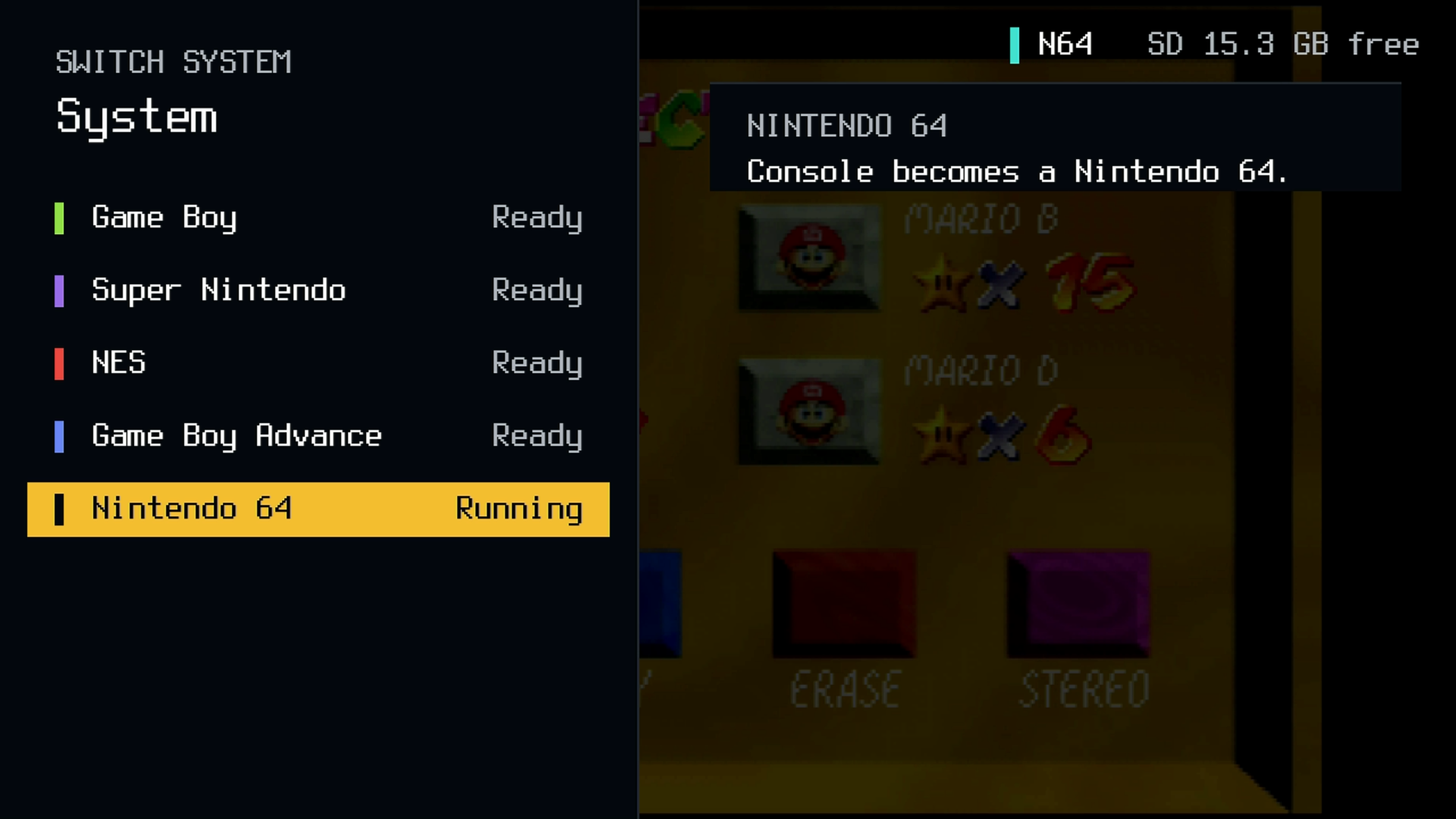
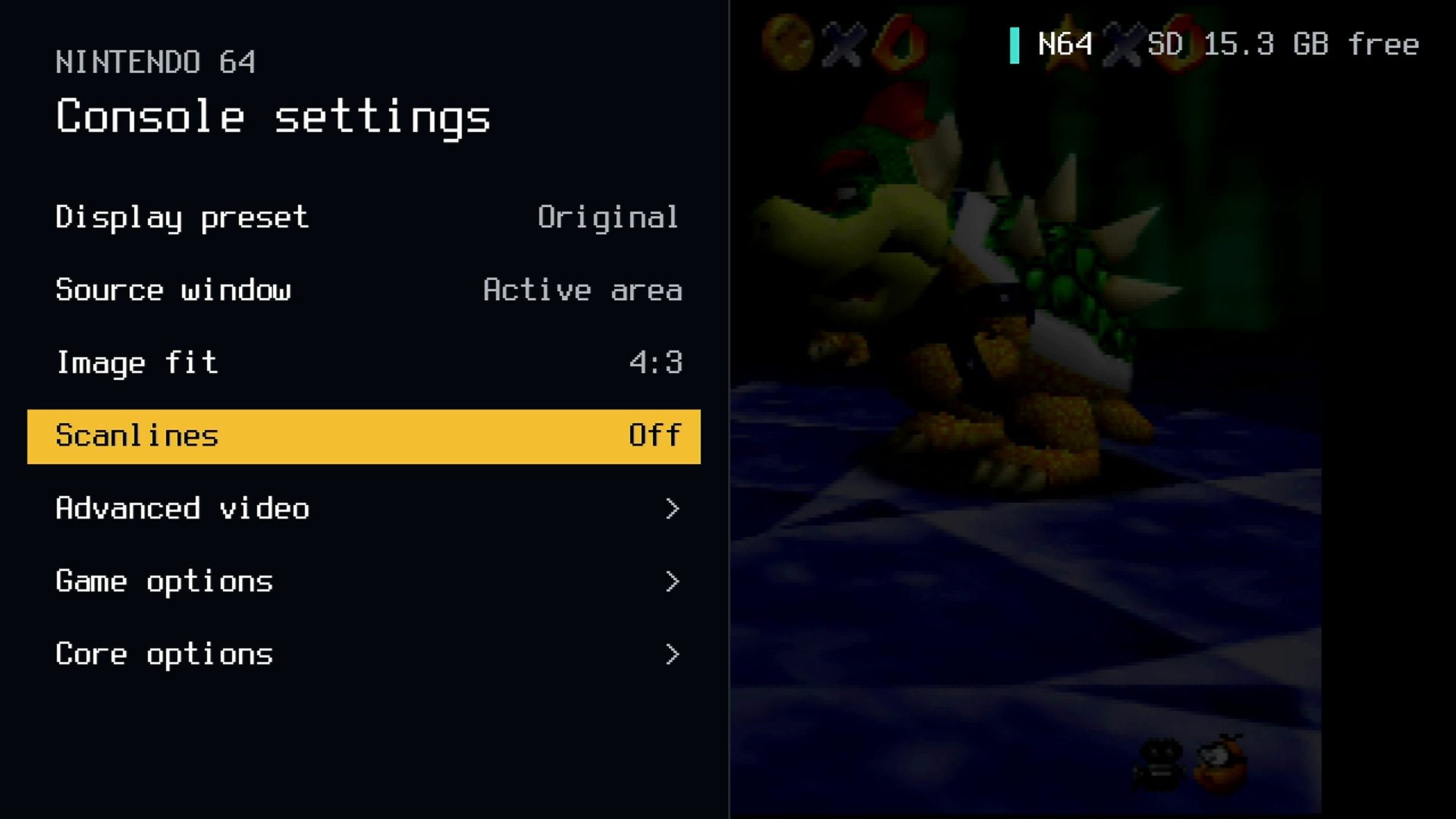
I’m building custom FPGA and MCU firmware for the ModRetro M64. The screenshots show the firmware’s in-game overlay: RetroAchievements, switching between console systems, and N64 display controls.

Features

  • RetroAchievements integrated into the firmware, with an achievement list and unlock notices over gameplay.
  • A system switcher for Game Boy, Super Nintendo, NES, Game Boy Advance, Nintendo 64, and PlayStation cores.
  • N64 display presets, source window and image fit controls, scanlines, and advanced video, game, and core options.
  • An overlay that shows the active system and available SD card space while a game is running.

The project also reads N64 cartridges through the FPGA and backs them up to the SD card through the MCU.

M64 firmware RetroAchievements list over live Super Mario 64 gameplay

FIRST PERSON PUZZLE

EXIT

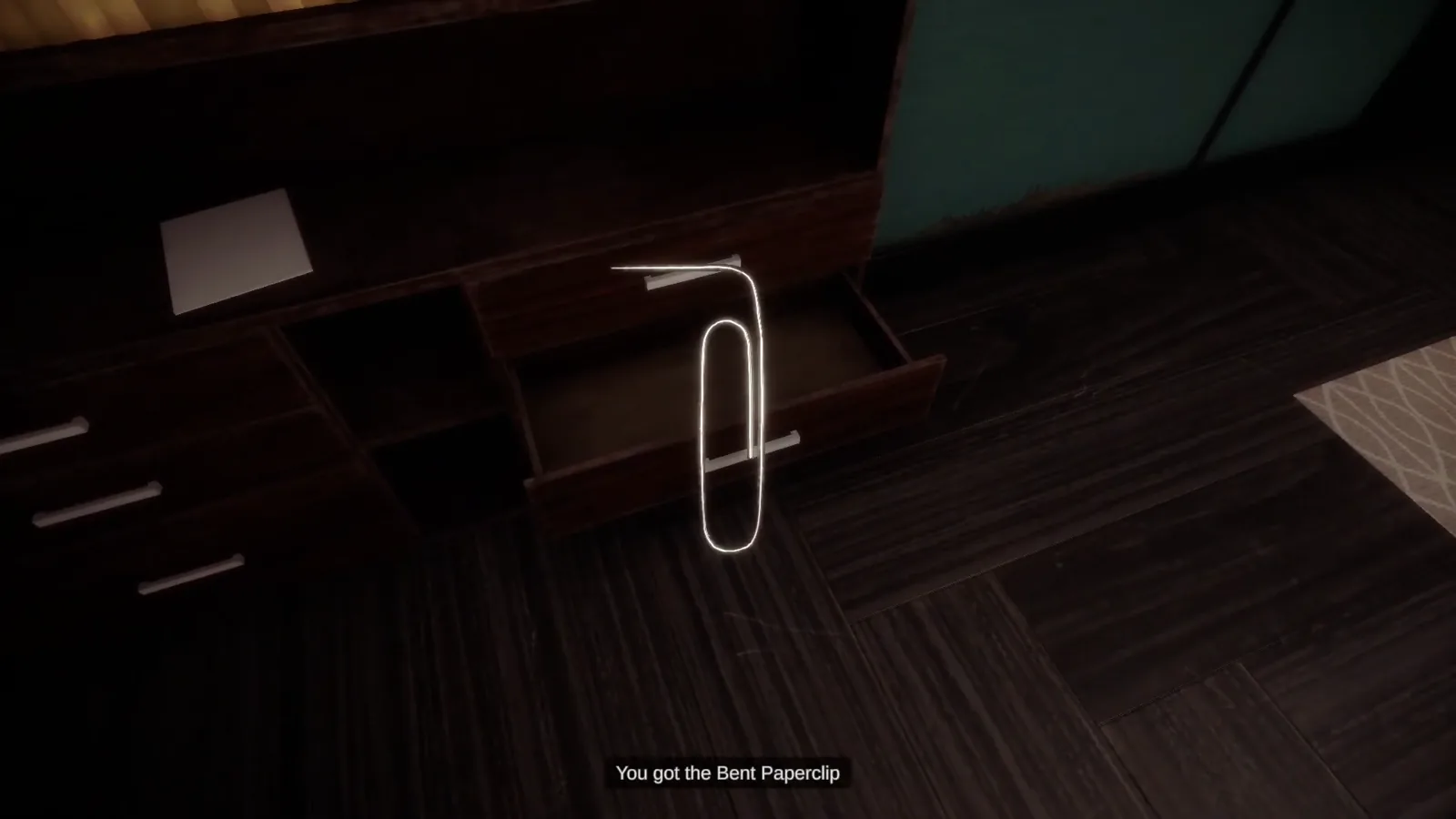
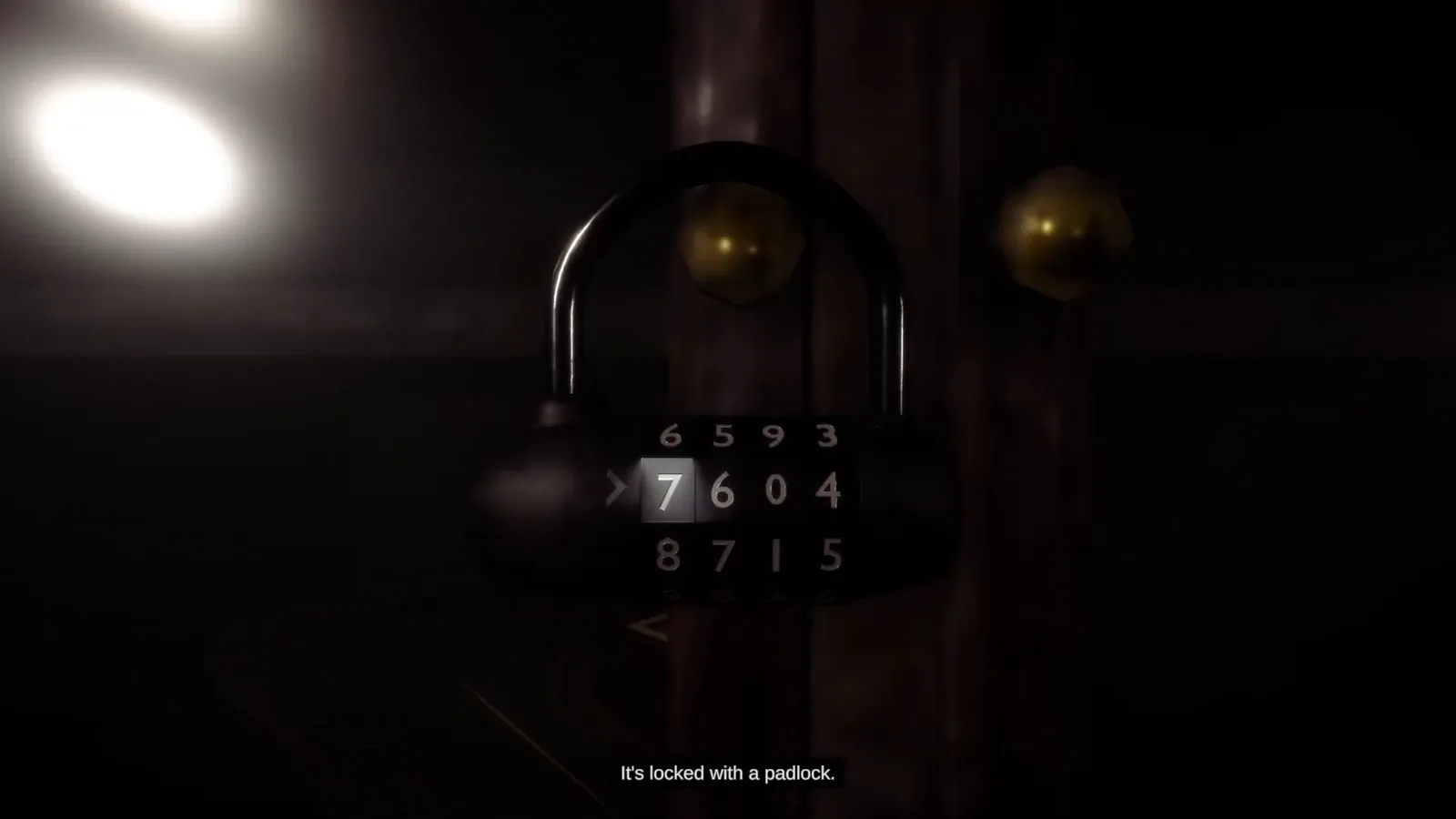
EXIT is a small escape room game with custom features designed to support puzzles, combat, an inventory, item crafting, and more. I built several toolsets and dozens of reusable components alongside it, forming a personal framework. Some of those features are not used in EXIT but are available in the source repository.

EXIT uses Unity’s High Definition Render Pipeline (HDRP).

Highlights

  • A broad foundation for first person games.
  • Unity Cinemachine and Timeline for cutscenes.
  • Designer friendly tools for puzzles, items, crafting combos, and events.
  • Inheritance and interfaces for interactable objects and puzzles.
  • Gameplay systems decoupled with delegates and events.
  • UnityEvents throughout for designer flexibility.
Screenshots

A dim green room in the first person puzzle game EXIT

Video playthrough

Open on YouTube ↗

VR SHOOTER

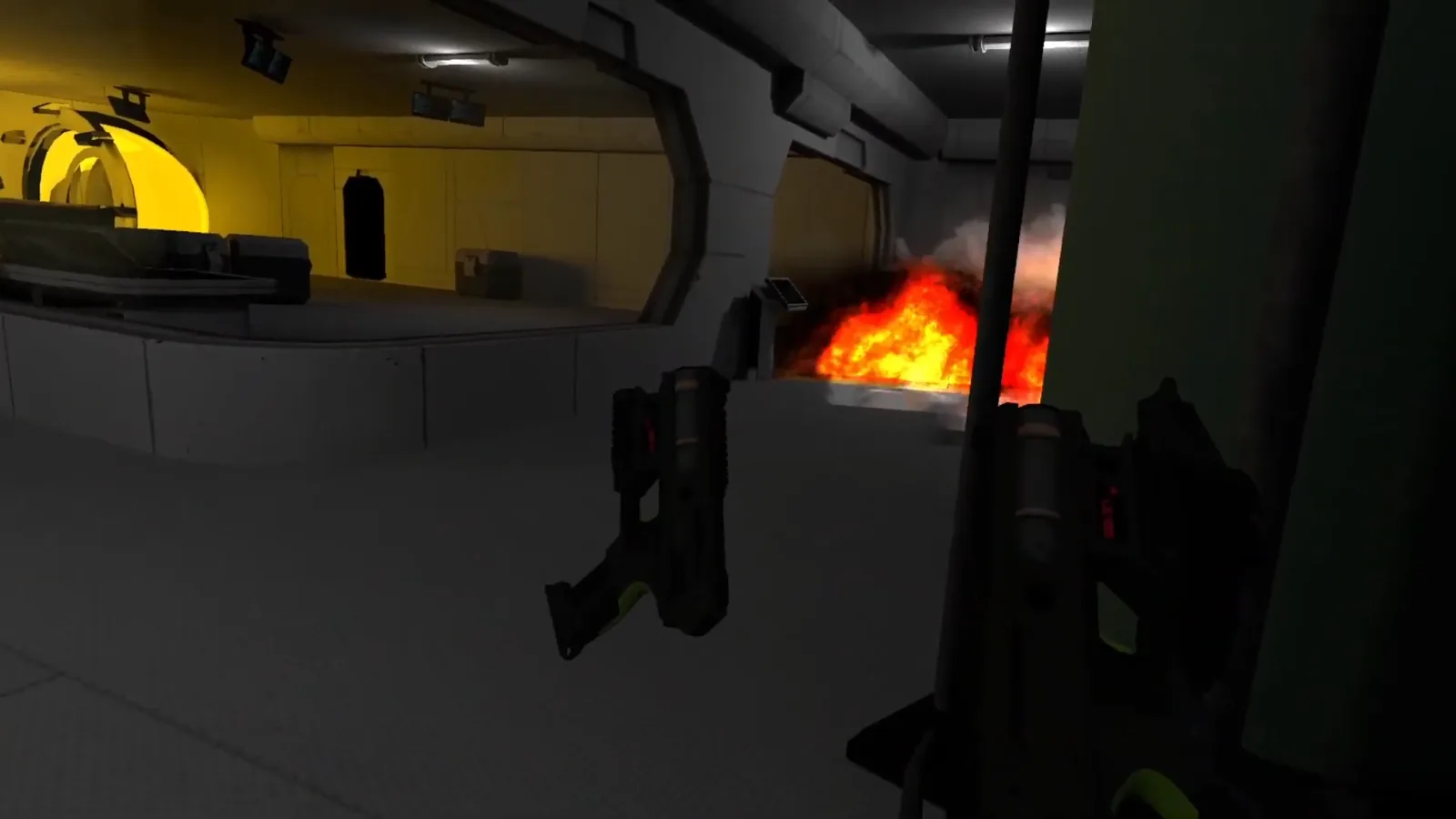
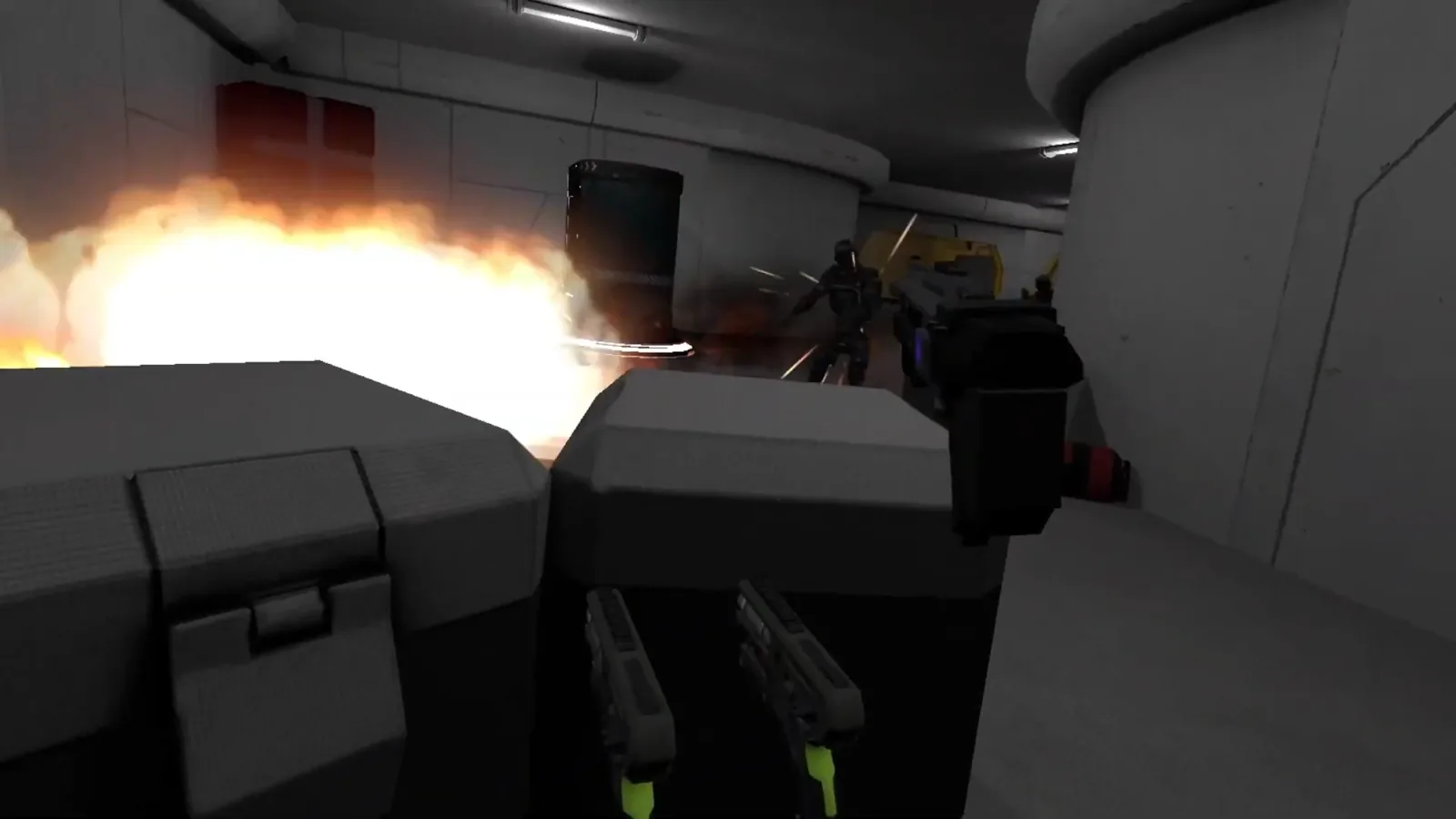
Destroy the Core

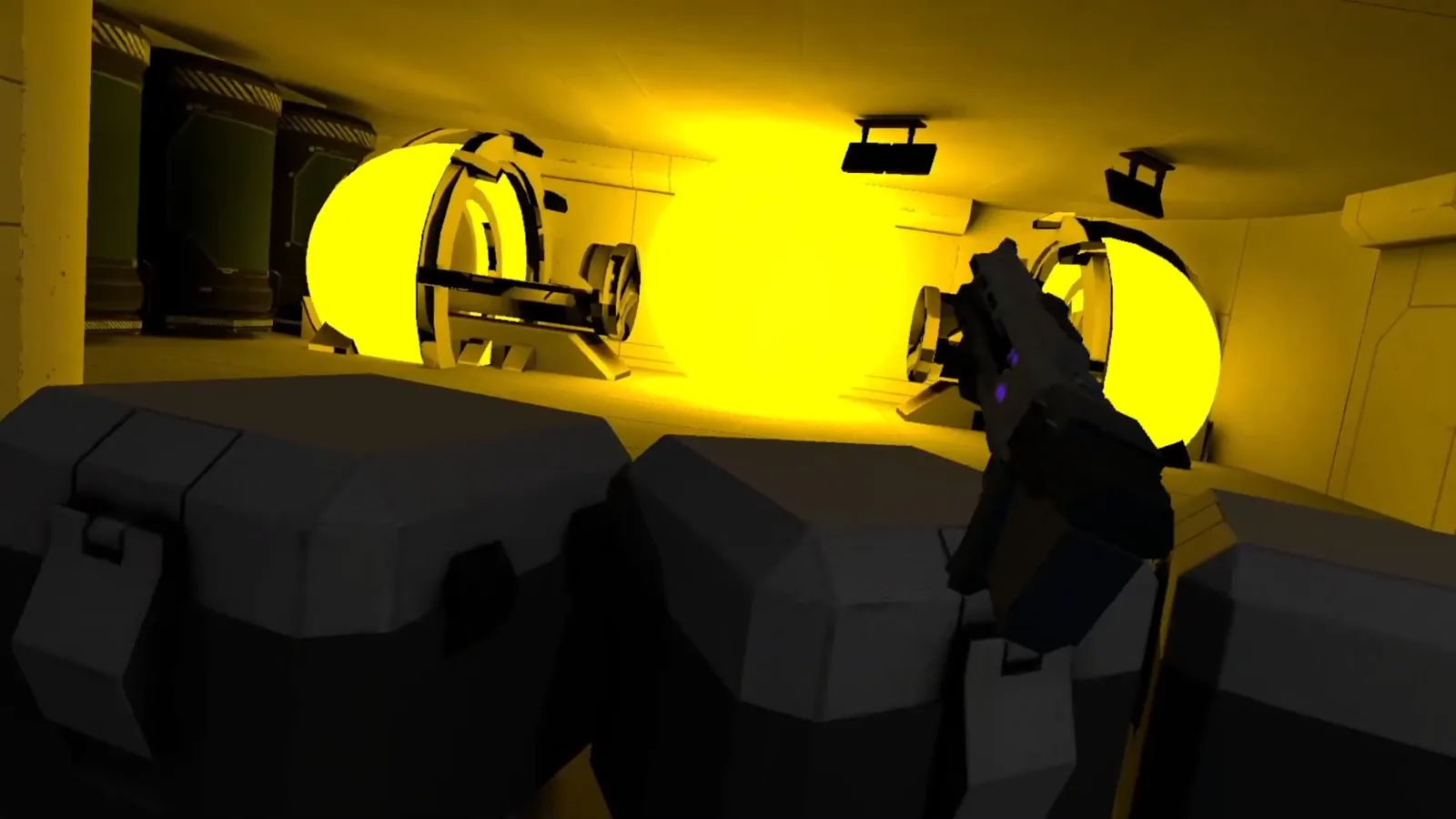
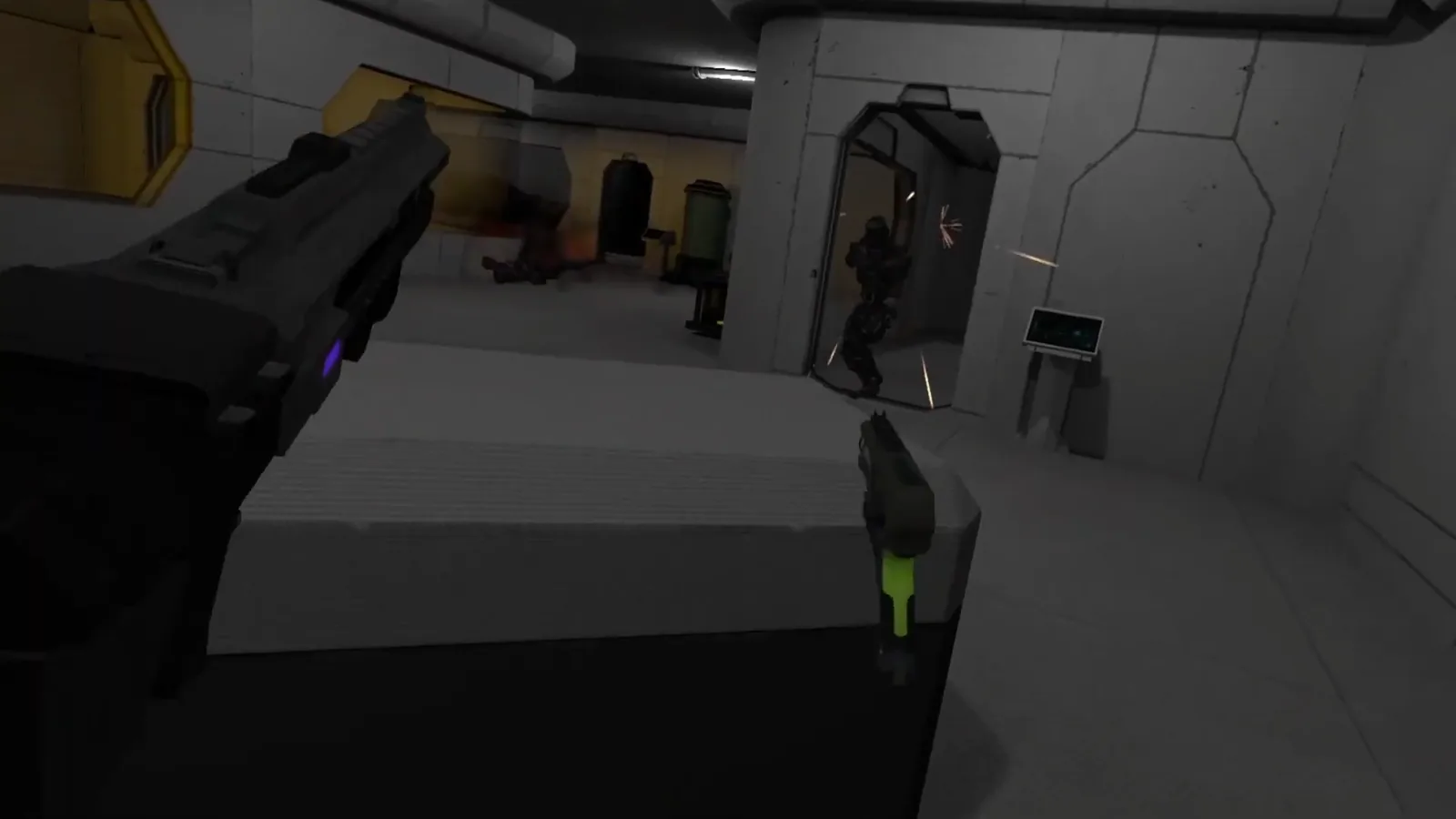
Destroy the Core is a VR shooter. The objective is simple: shoot robots and progress through the level by automatically teleporting to the next waypoint. It was an opportunity to learn the XR Interaction Toolkit and explore VR technology further.

Highlights

  • Unity XR Interaction Toolkit.
  • Object pooling.
  • Gameplay systems decoupled with delegates and events.
  • An IDamageable interface designed to support more damage behaviors.
  • Custom teleportation system.
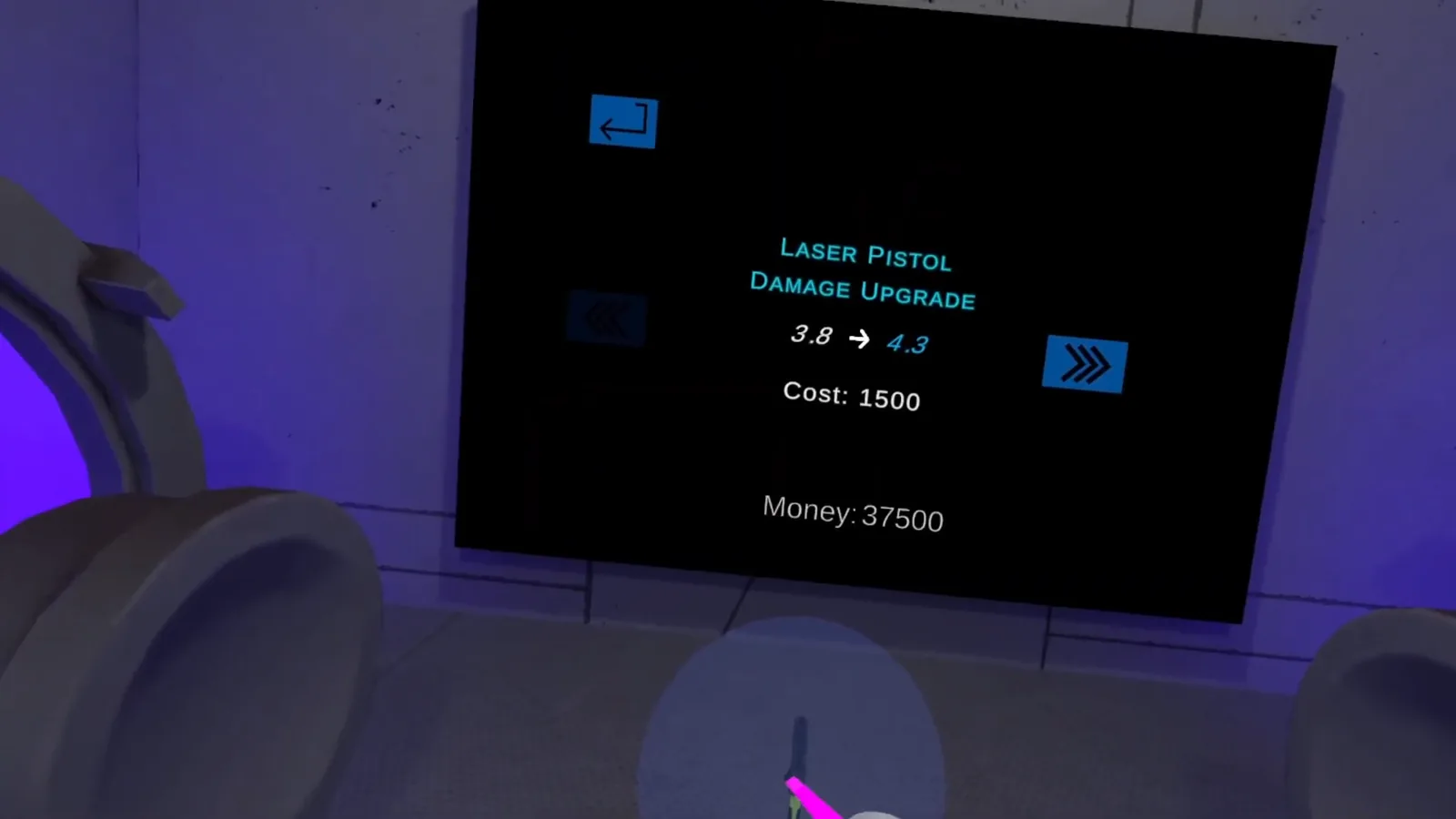
  • Weapon purchases and upgrades.
  • Music courtesy of Scattle.

Screenshots

Bright yellow machinery and a robot in Destroy the Core

Video playthrough

Open on YouTube ↗

CUSTOM EDITOR TOOLSET

RPG Database

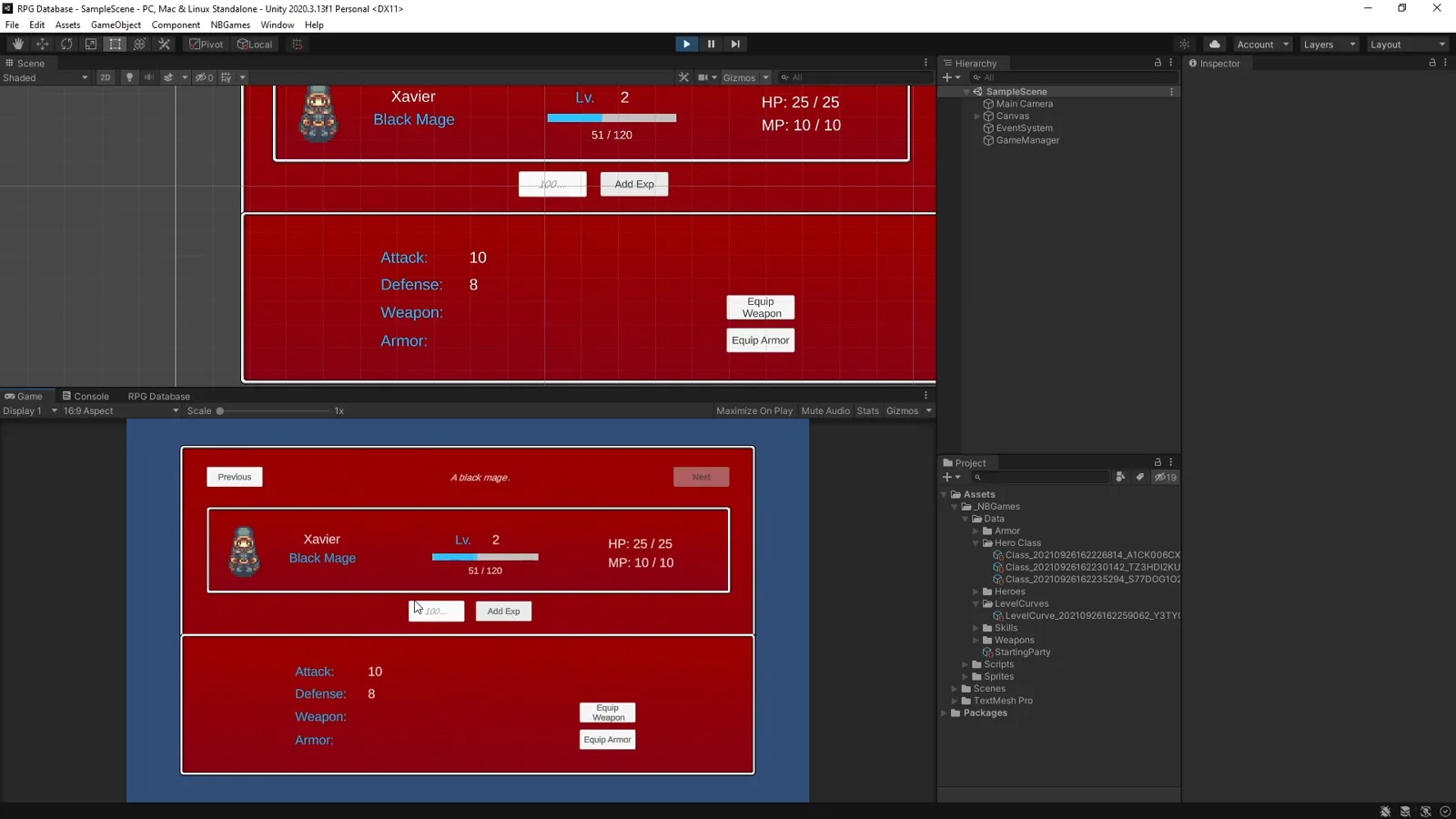
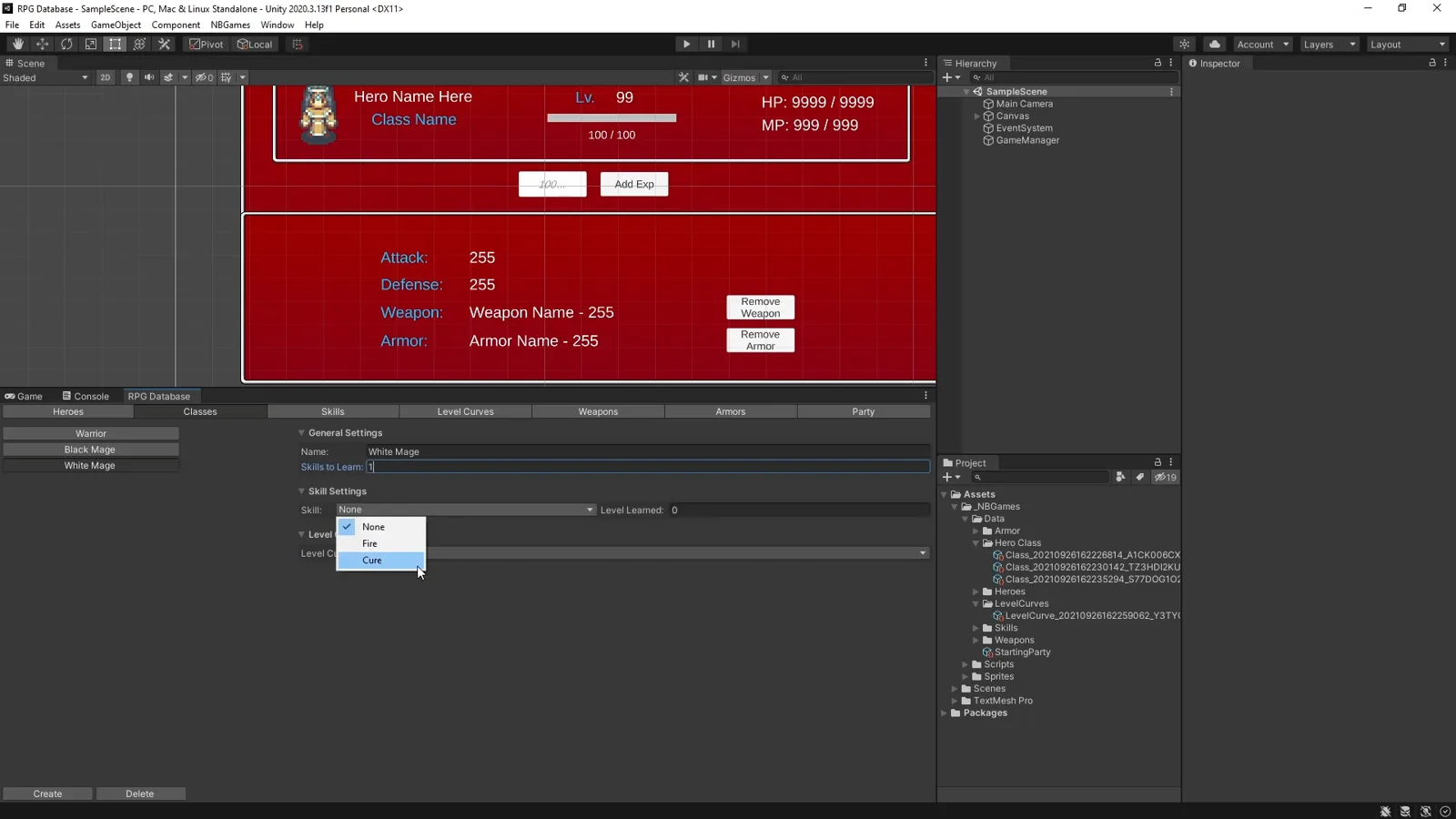
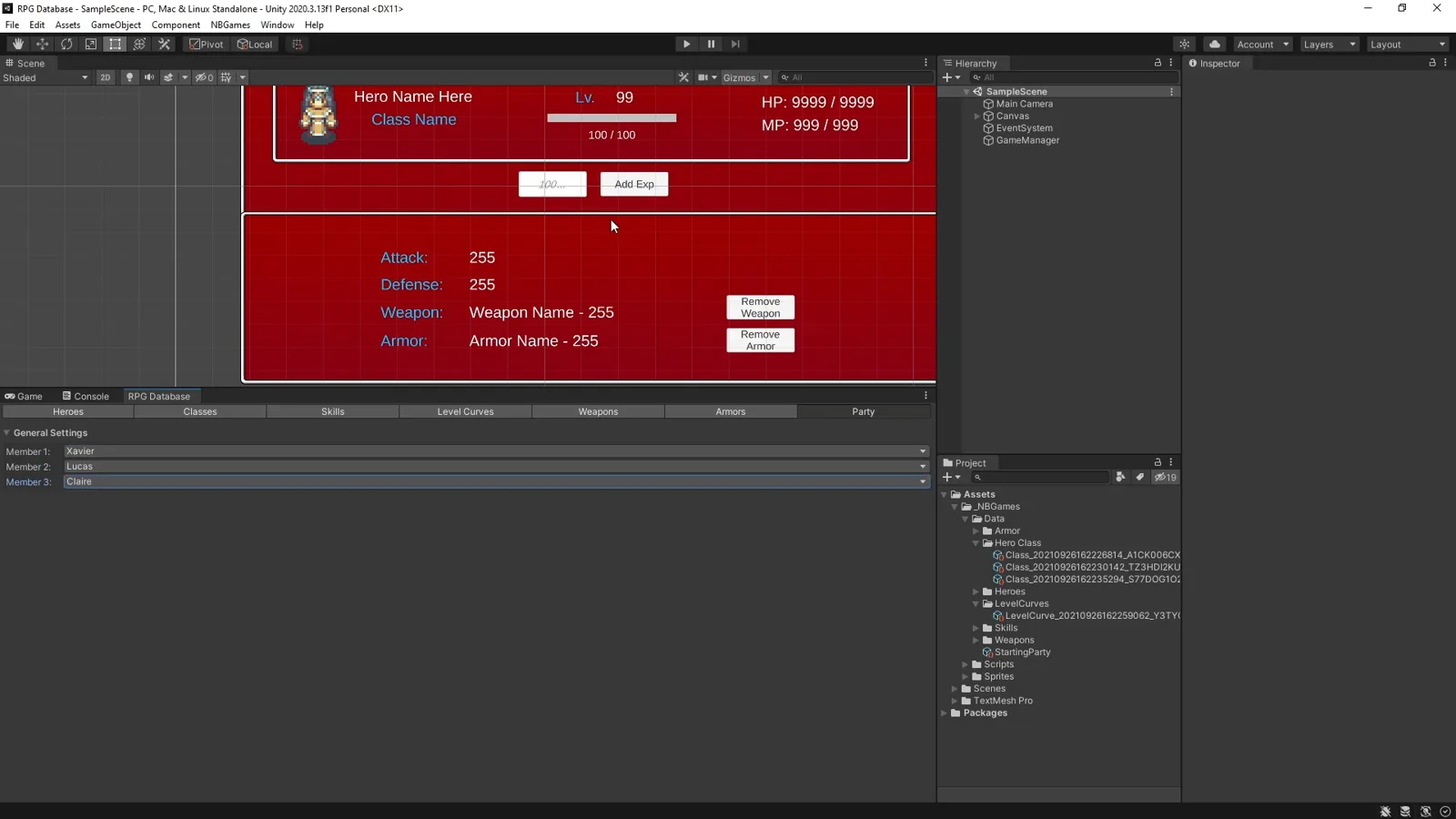
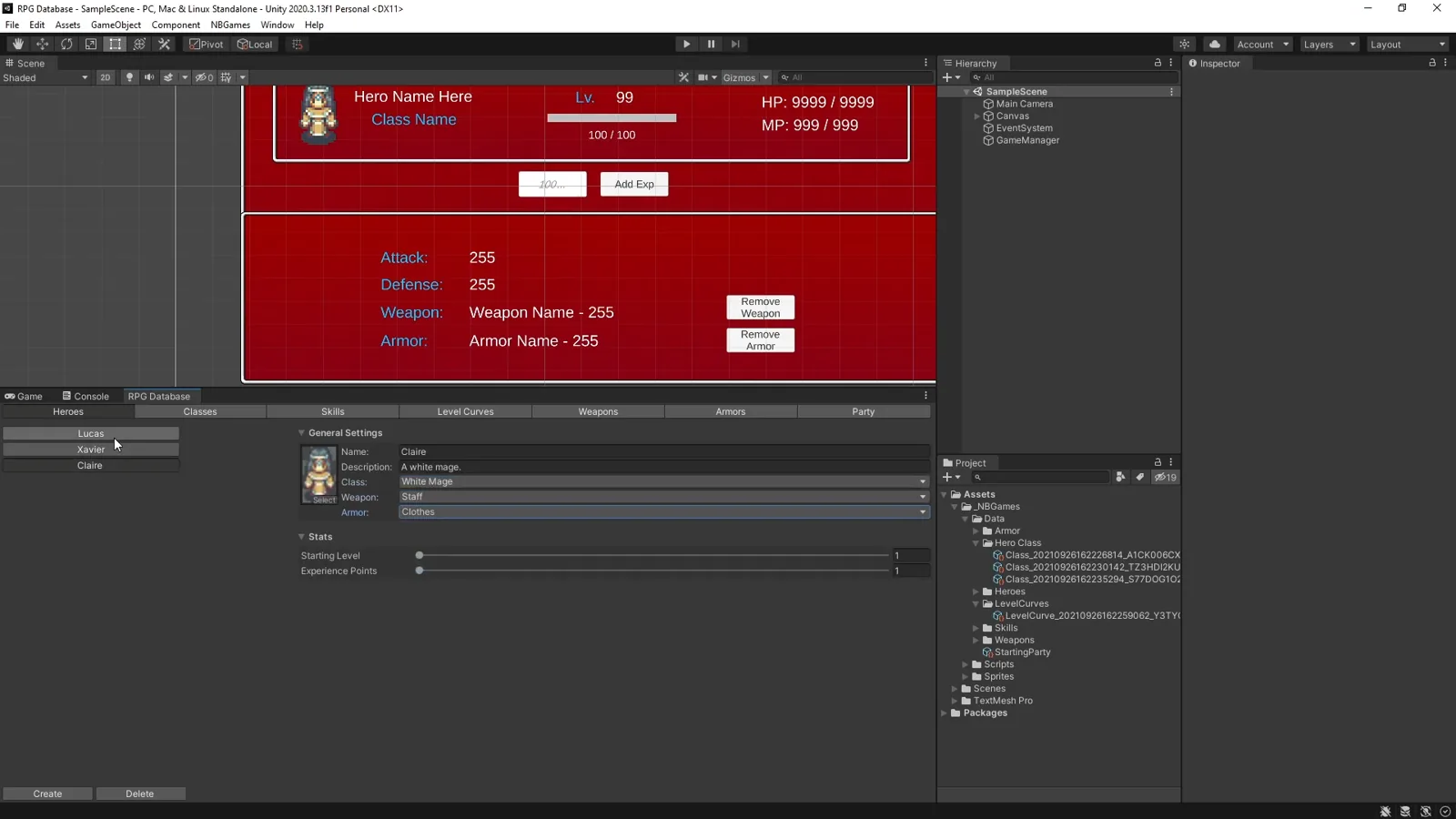
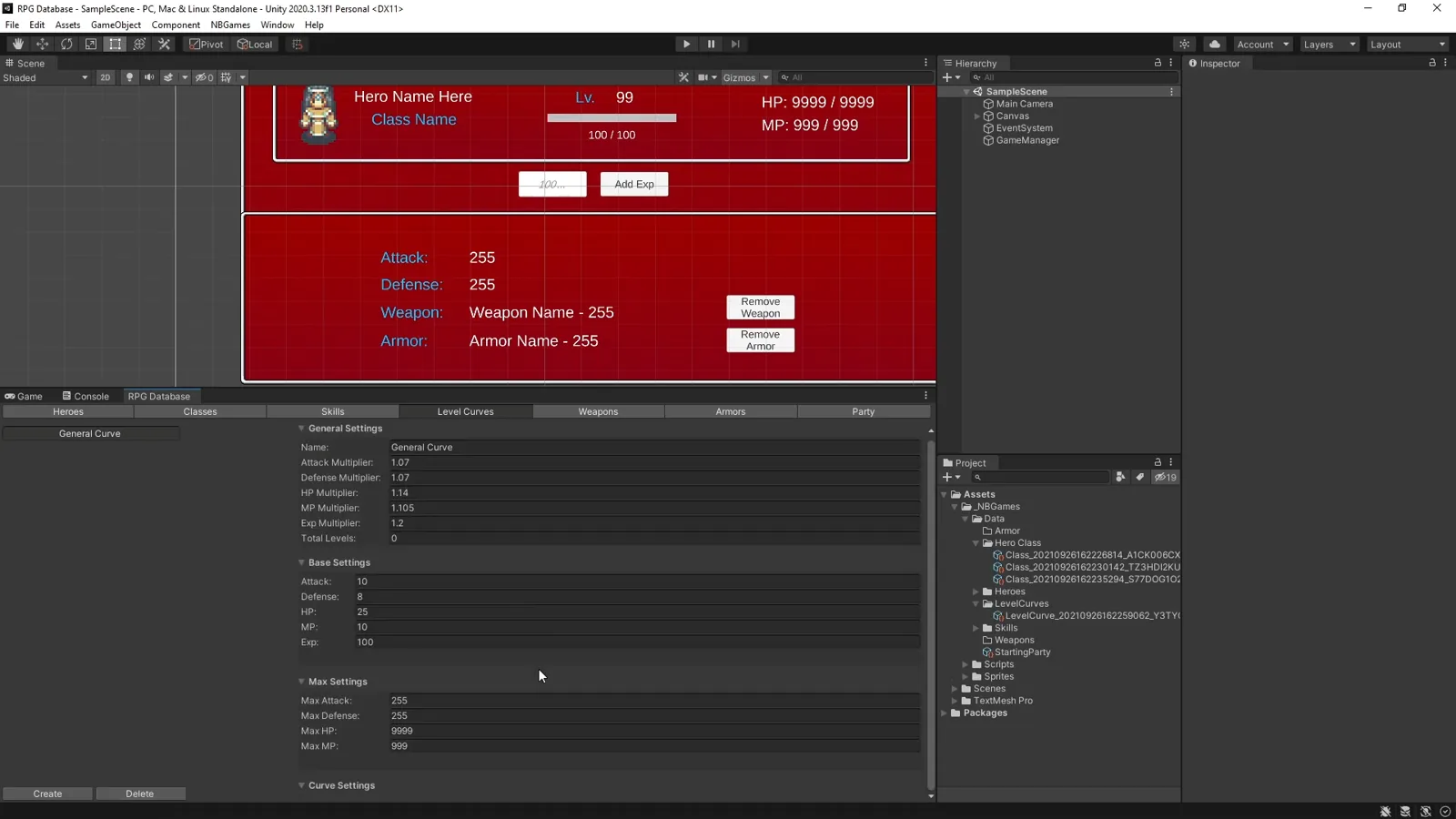
This custom RPG editor includes a simple runtime UI that displays the configured data. Heroes, weapons, armor, spells, and more can be set up in the editor. At runtime, ScriptableObject data populates the GameManager.

Highlights

  • Custom Unity editors built without third party editor packages.
  • One database window for heroes, classes, skills, level curves, weapons, armor, and starting party members.
  • Automatic ScriptableObject creation and organized storage, with file naming designed for source control.
  • Graphics courtesy of FinalBossBlues.

As a Unity toolset rather than a game, the repository is the best way to try it.

Screenshots

Custom RPG Database toolset interface

FIVE DAY CHALLENGE

Platformer

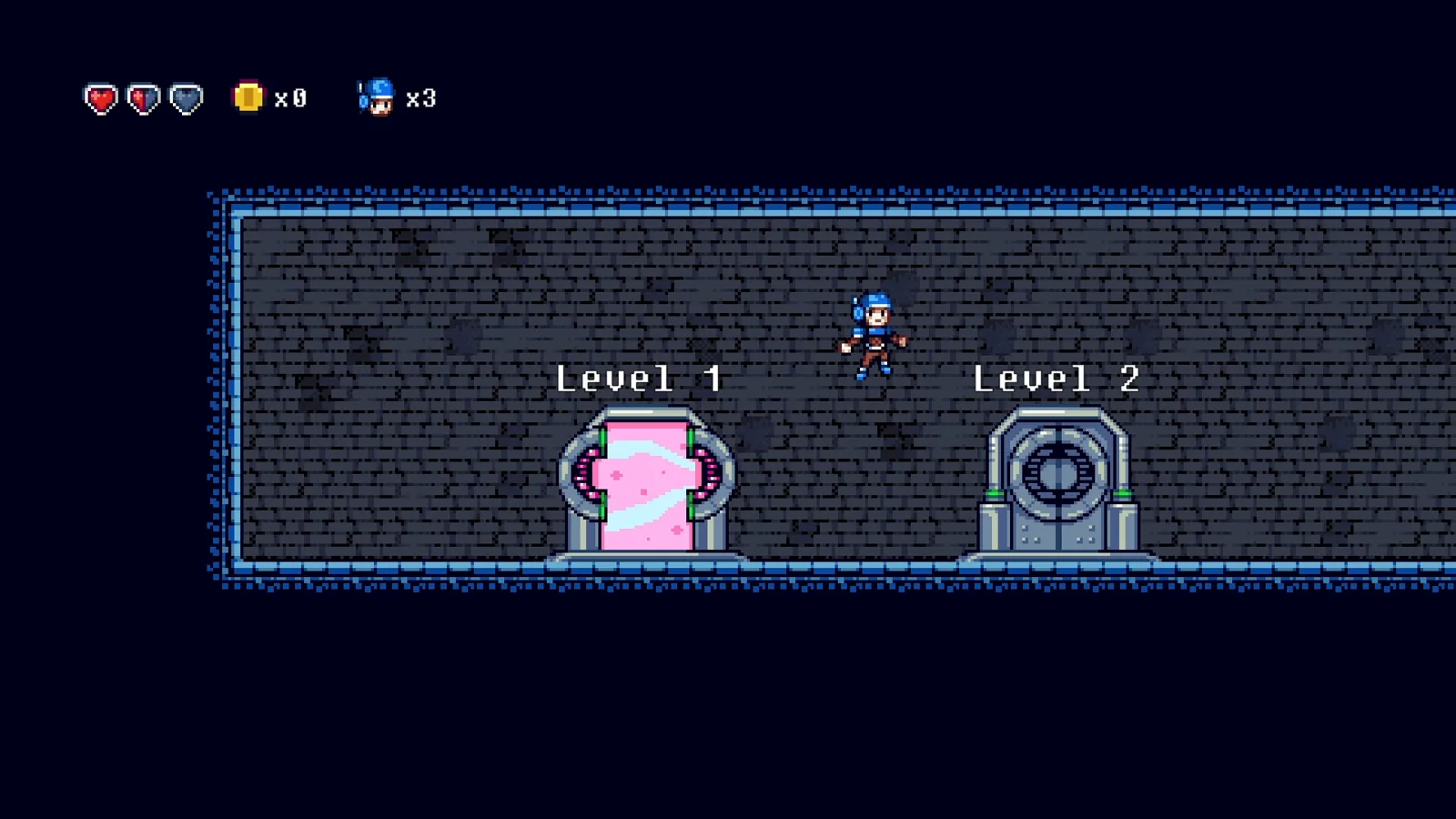
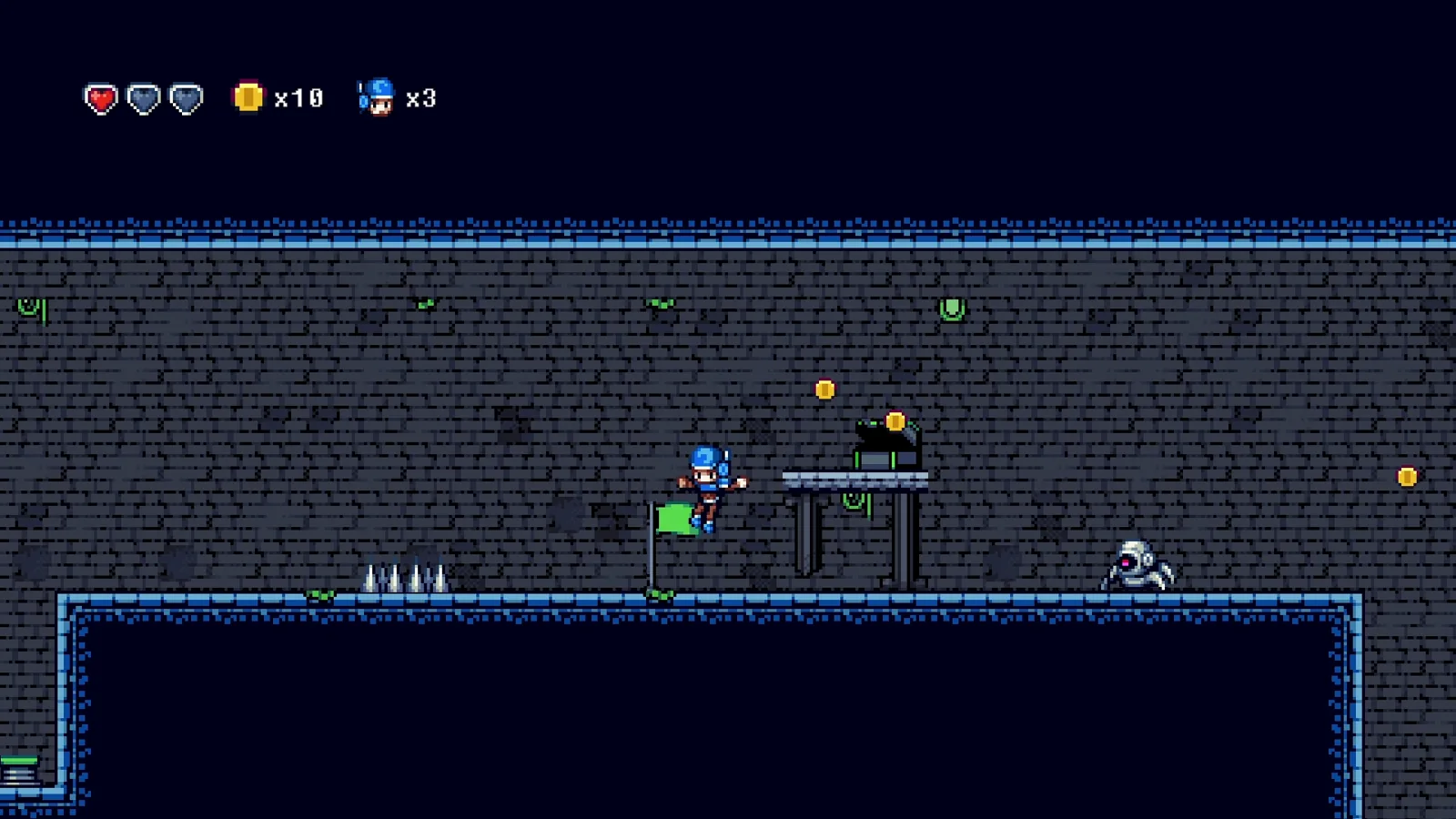
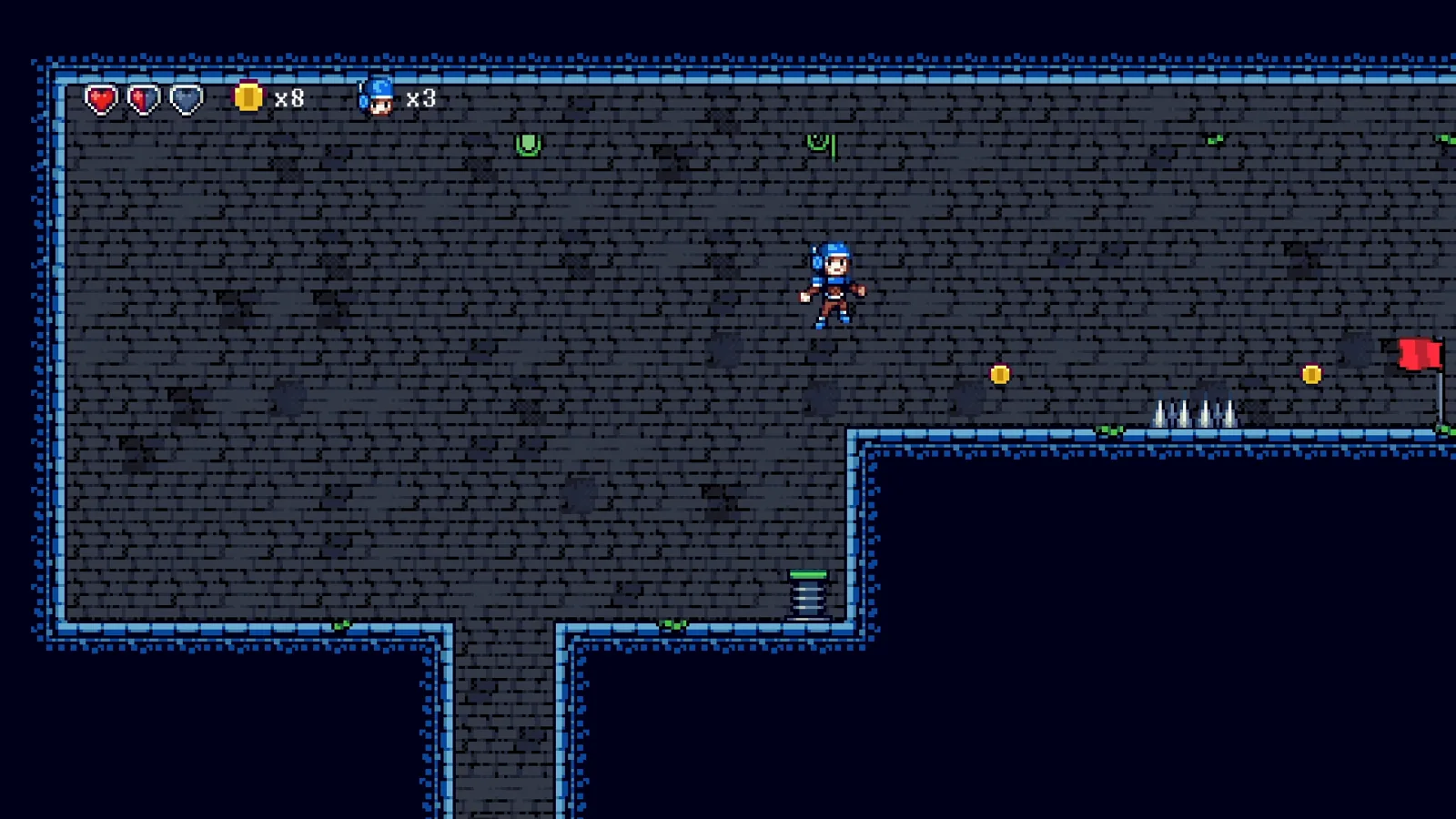
I revisited one of my first Unity projects and challenged myself to rebuild it within five days, adding new features and writing code that reflected my current skill set. I finished in less than the allotted time.

Highlights

  • Reusable components for varied gameplay features.
  • Object pooling.
  • Gameplay systems decoupled with delegates and events.
  • Custom inspectors and property drawers to help designers configure components.
  • Level unlocking rules configured by designers.
  • Inheritance based item pickups for quick extension.

Screenshots

Colorful 2D platform game scene

Video playthrough

Open on YouTube ↗

VARIOUS GAMES

Speedrun Timers

As a former speedrunner, I built autosplitters that connect to LiveSplit, watch memory addresses, and record split times when game events occur. They help players compare a run against their personal best.

I wrote autosplitters or timers for Resident Evil HD Remaster, Resident Evil 0 HD Remaster, Hitman: Blood Money, Hotline Miami 2, Resident Evil VII: Biohazard, Resident Evil 2 (2019), Resident Evil 3 (2020), Resident Evil Village, and Jubilee.

I also built the timer used as the official PC timing method for Resident Evil Village.